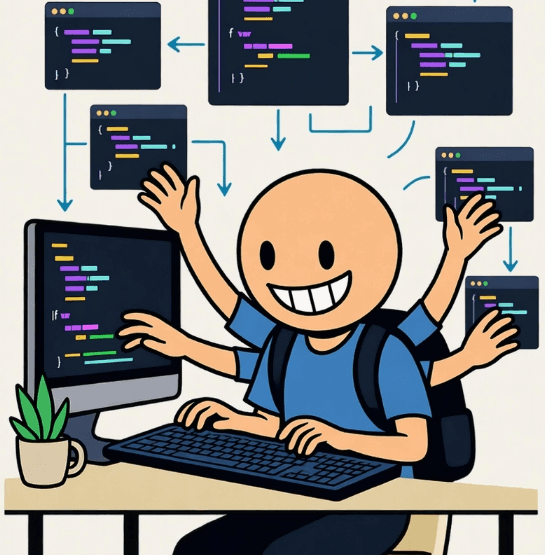
Getting Started with Agentic Coding: Your First Step into AI-Assisted Development
AI-powered coding assistants are transforming how we write software. This guide will help you get started with agentic coding and maximize your productivity.
What is Agentic Coding?
Agentic coding refers to using AI agents that can understand context, make decisions, and assist with complex coding tasks beyond simple autocomplete.
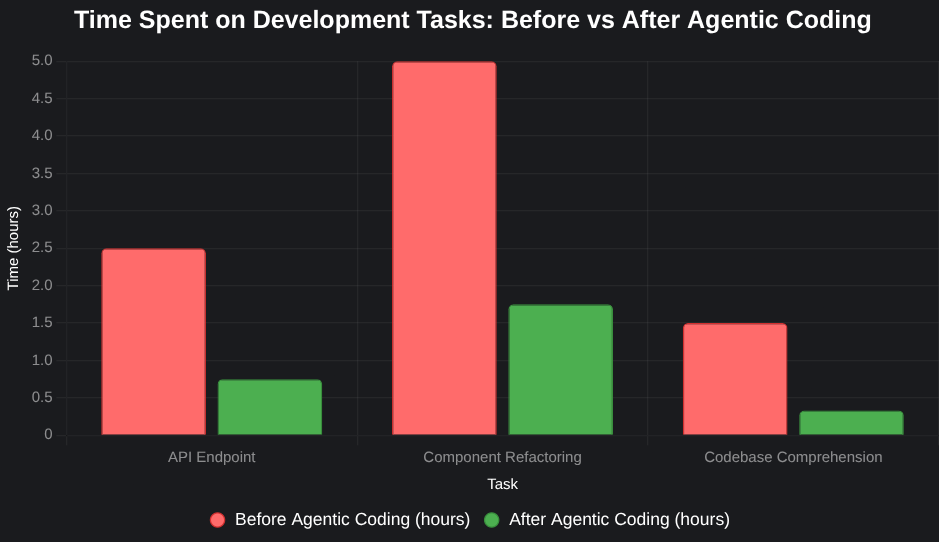
The Impact on Productivity
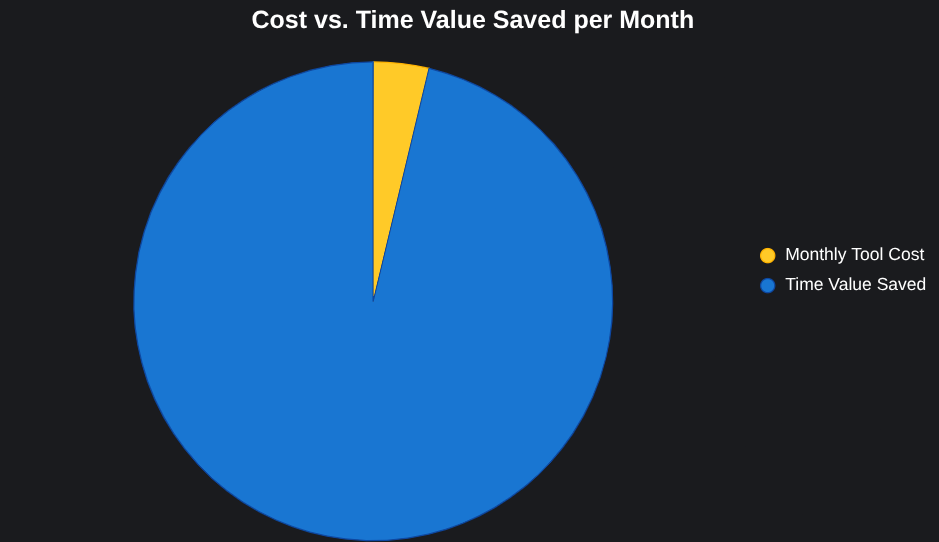
Studies show that developers using AI coding assistants can save significant time on routine tasks, allowing them to focus on complex problem-solving and architecture decisions.
Popular Tools
GitHub Copilot
- Inline code suggestions
- Context-aware completions
- Multi-line code generation
ChatGPT / Claude
- Complex problem solving
- Code review and refactoring
- Architecture discussions
Cursor / Augment
- Full IDE integration
- Codebase-aware assistance
- Multi-file editing
Getting Started
1. Choose Your Tool
Start with one tool and master it before adding others. GitHub Copilot is great for beginners, while Claude Code shines for complex multi-file tasks.
2. Learn to Prompt Effectively
// Bad prompt
// function

// Good prompt
// Create a function that validates email addresses using regex,
// returns true for valid emails, and handles edge cases like
// multiple @ symbols and invalid TLDs
The more context you provide, the better the output. Describe constraints, edge cases, and the pattern you want the code to follow.
3. Review Everything
Never blindly accept AI suggestions. Always:
- Understand the code before merging
- Test thoroughly, including edge cases
- Check for security issues (especially input validation)
- Verify performance implications
Best Practices
- Use AI for boilerplate: Let AI handle repetitive scaffolding code
- Leverage for learning: Ask AI to explain unfamiliar concepts or patterns
- Maintain code quality: Use AI to suggest improvements and refactors
- Stay in control: You're the developer, AI is the assistant — not the architect
Writing Effective Context Files
The biggest productivity unlock is a good CLAUDE.md or .cursorrules file at your project root. This tells the agent what it's working with:
# Project Context

This is a React + TypeScript frontend for a DeFi dashboard.

## Stack
- React 18 + TypeScript
- Tailwind CSS for styling
- Ethers.js for blockchain interaction
- React Query for data fetching

## Conventions
- Components in src/components/, pages in src/pages/
- Always use TypeScript strict mode
- Prefer functional components with hooks
- No inline styles — Tailwind only
With this context, AI suggestions become dramatically more relevant and accurate.
Common Pitfalls
- Over-reliance: Accepting code you don't understand creates invisible debt
- Security blindness: AI generates plausible-looking but vulnerable code — always review auth, input validation, and SQL/command injection risks
- Not testing: AI-generated code needs as much (or more) testing than handwritten code
- Ignoring performance: AI optimizes for correctness, not always for efficiency
Conclusion
Agentic coding is a powerful force multiplier when used correctly. Start small, learn continuously, and always maintain your role as the decision-maker. The developers who thrive in the AI era are the ones who use it to go further — not to go without understanding.